Workspaces
Select a workspace from the top toolbar. Each workspace provides the panels and tools needed for one part of the workflow.
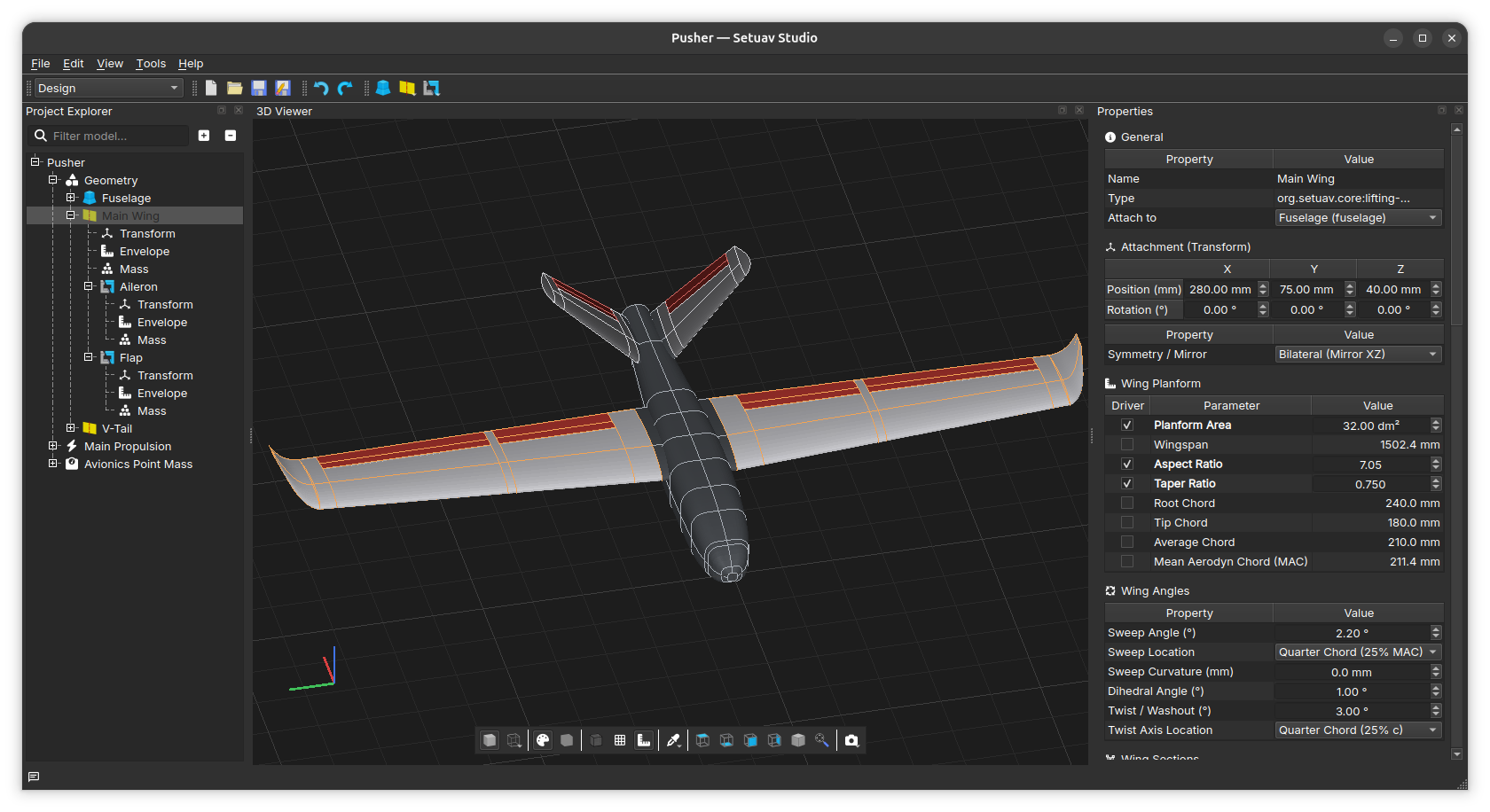
Design
Build the airframe in the Project Explorer, edit component properties, and inspect the model in the 3D Viewer.
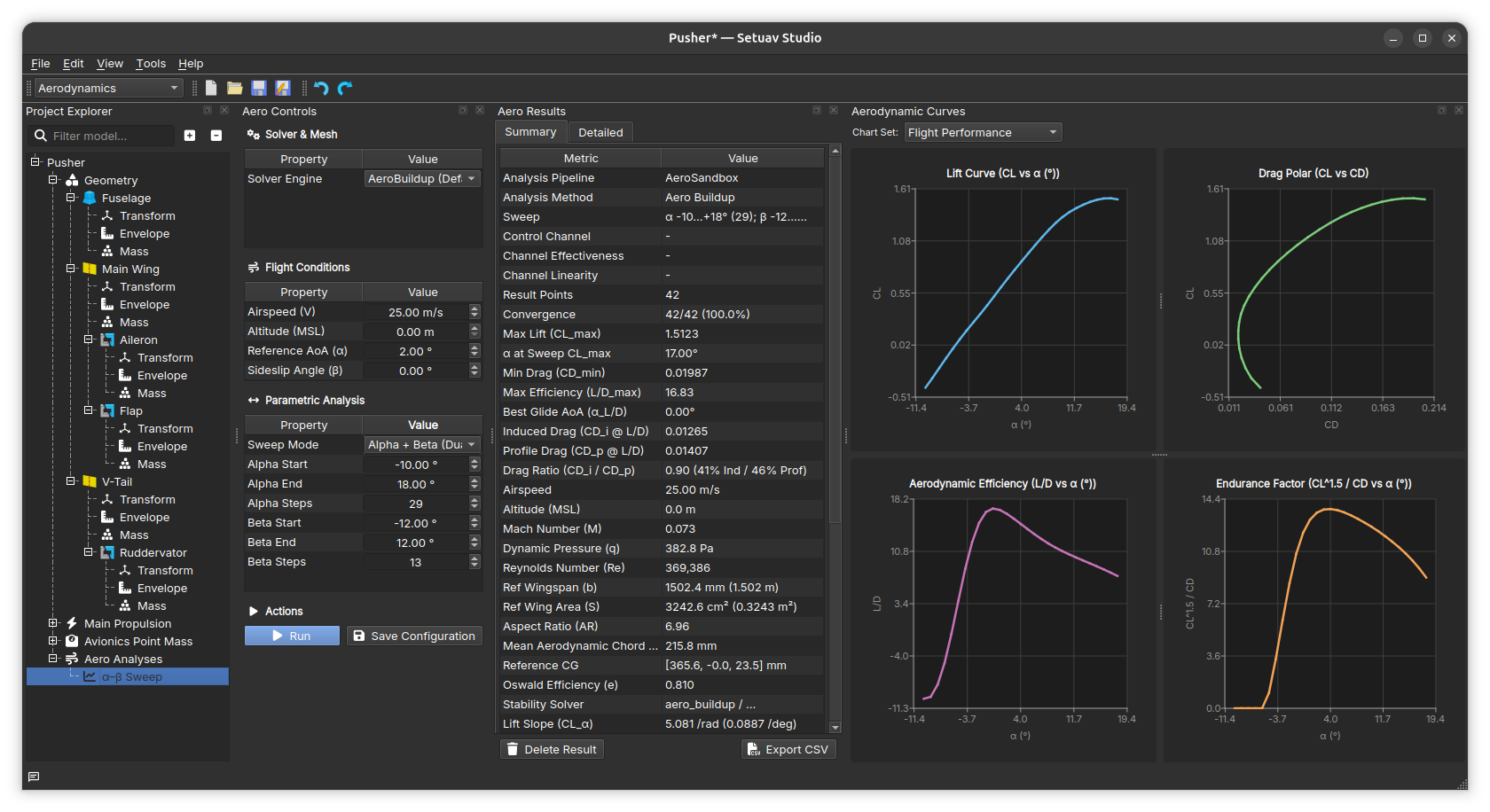
Aerodynamics
Configure and run aerodynamic analyses, review the saved result summary, and inspect lift, drag, efficiency, and endurance curves.
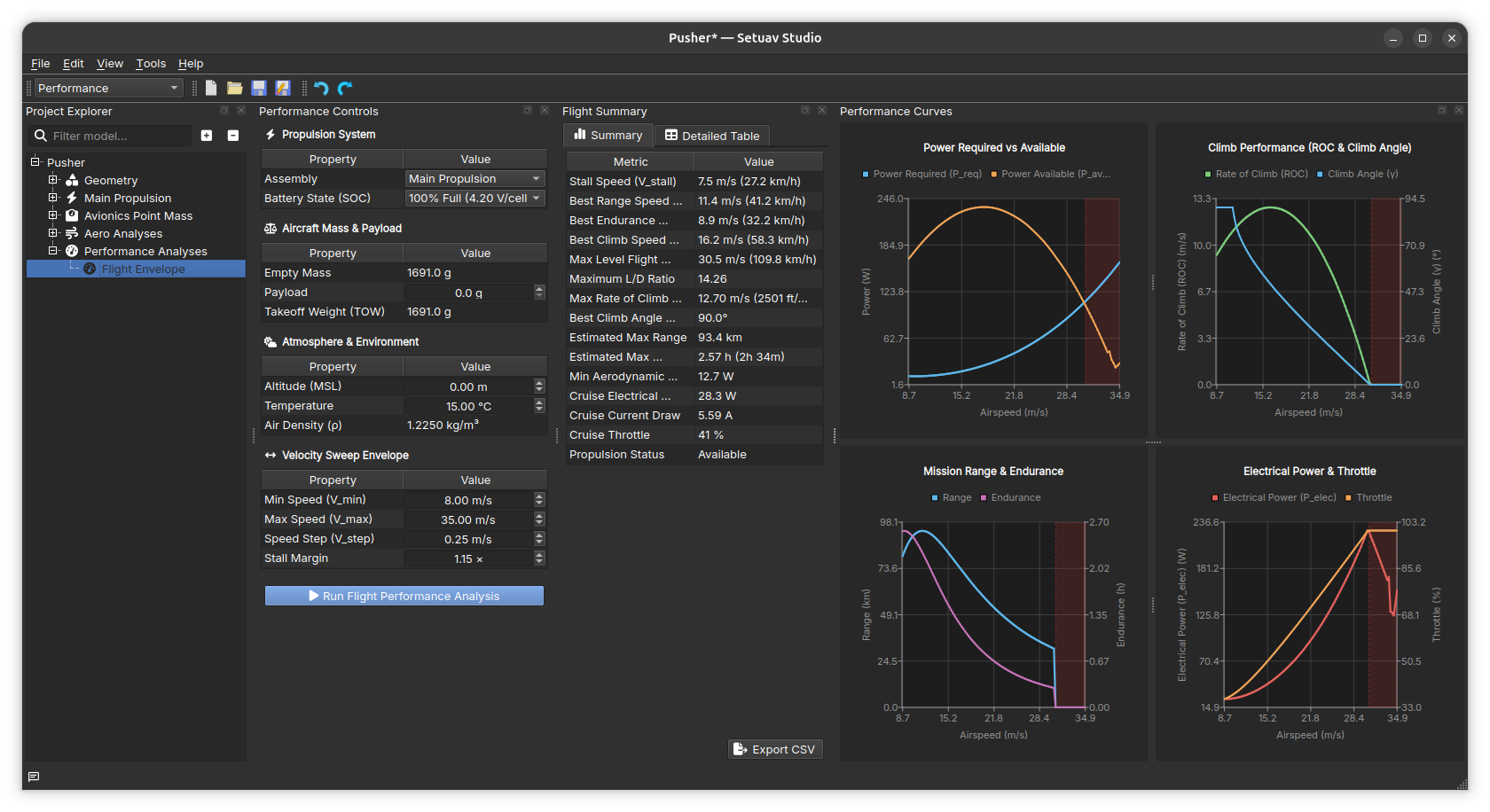
Performance
Configure the aircraft, atmosphere, and velocity sweep, then review flight performance metrics and curves.
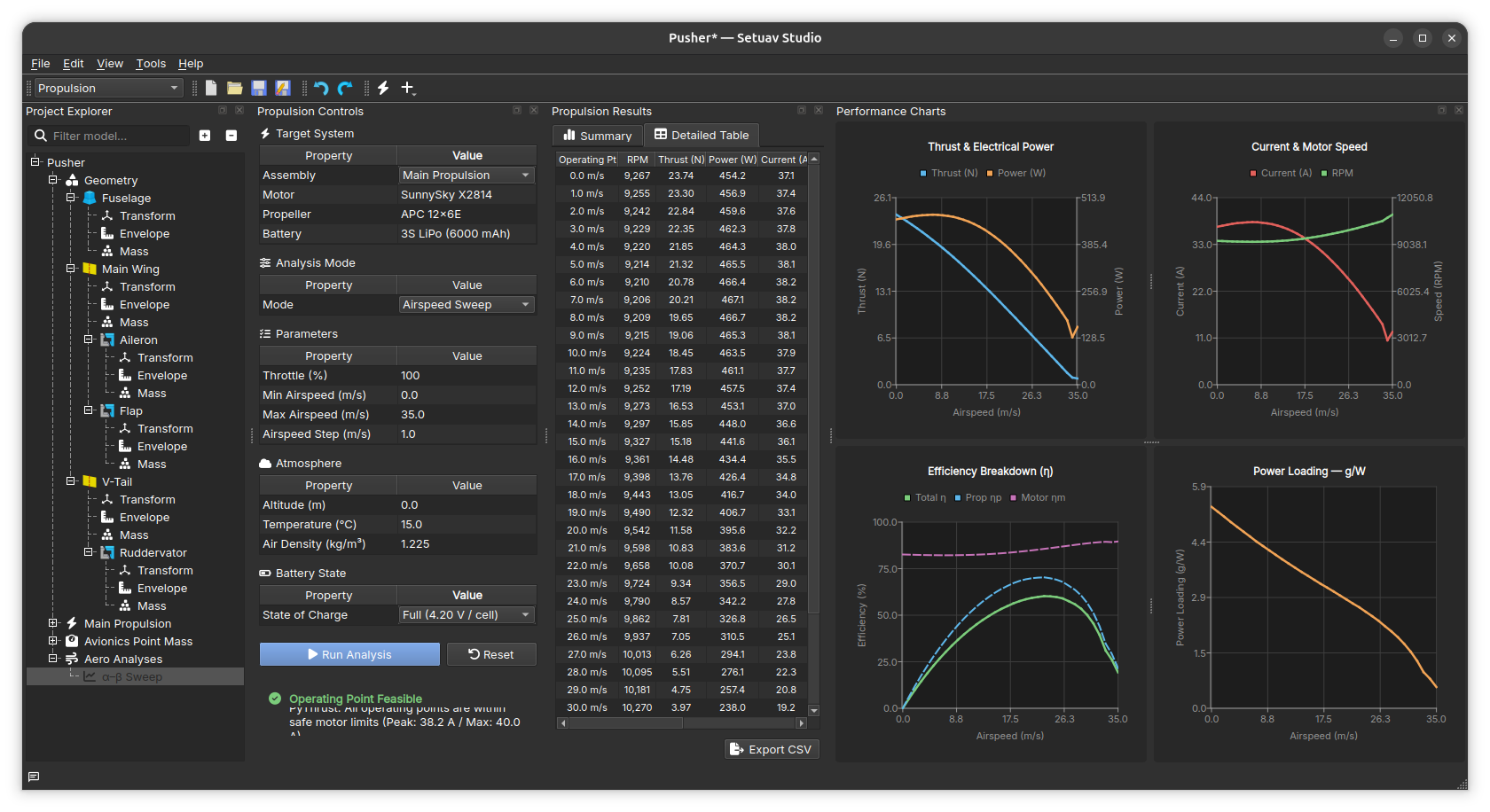
Propulsion
Configure the motor, propeller, battery, and propulsion assembly. Run an analysis to populate the results table and propulsion charts.
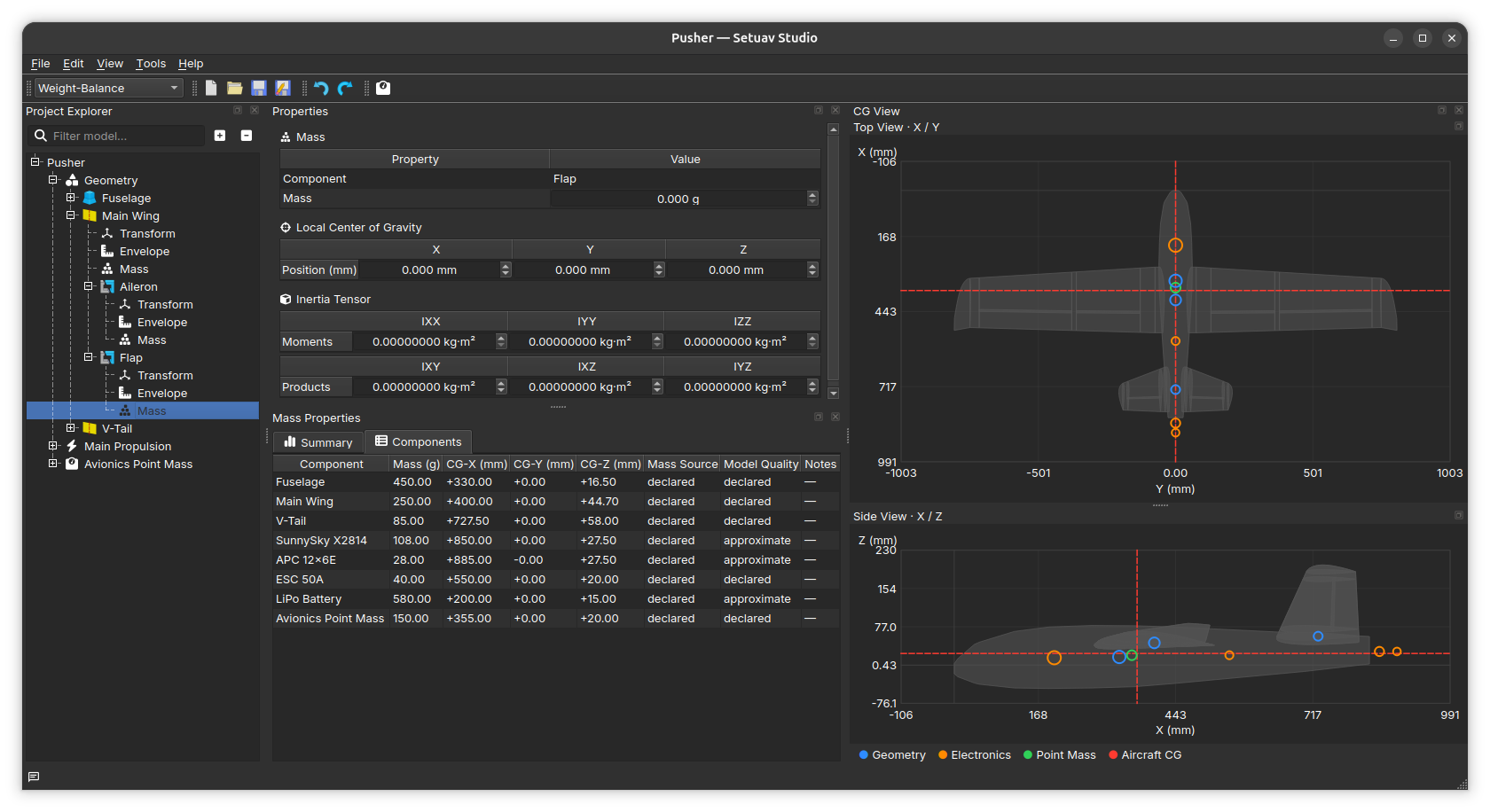
Weight-Balance
Review component masses, centers of gravity, and inertia data in the tables and top/side CG views.